

What is WordPress? The Ultimate Guide to Building & Scaling Your Website in 2027
If you are planning to build a website -whether a simple personal blog, a high-converting e-commerce store, or a full-scale corporate platform-you have undoubtedly come across WordPress.
Today, WordPress Power over 43% of all websites on the internet, holding a dominant market share of more than 62% among content management system (CMS). From small local businesses to enterprise giants like Sony Music, Tech Crunch and Bloomberg WordPress remains the undisputed framework of choice for modern web architecture.
In this comprehensive guide, we will break down what WordPress is, how it works, the crucial difference between WordPress.org and WordPress.com, and why it remains the top platform for business growth.
What is WordPress?
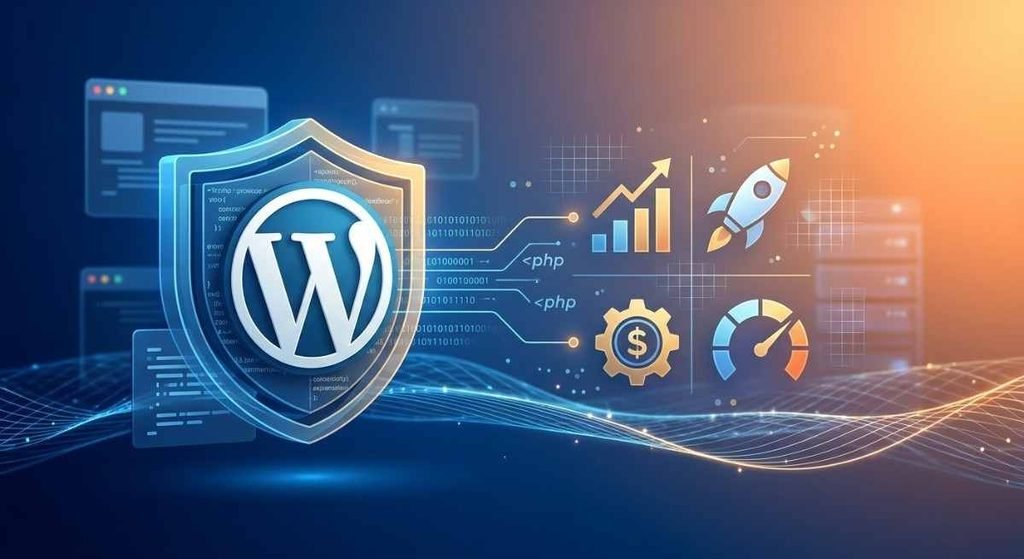
At its core, WordPress is an open-source Content Management System (CMS) written in PHP and paired with a MYSQL or MariaDB database.
In simple terms, a CMS allows anyone to build, edit and publish digital content on the web without needing to write code from scratch. Instead of manually crafting HTML,CSS and JavaScript files for every single page. WordPress provides an intuitive visual dashboard where you can manage your site’s structure, media pages and blog post with ease.
WordPress.org vs WordPress.com. What is the Difference?
One of the most common points of confusion for beginners is the difference between WordPress.org and WordPress.com Choosing the right one is critical for your website’s functionality and commercial scalability.
| Features | WordPress.org (Self Hosted) | WodPress.com (Hosted Services) |
| Hosting Control | You choose your on web host | Hosted on WordPress.com servers |
| Theme & Plugin Support | 100% full custom code/plugin | Restricted on free/basic plans |
| Monetization | Full freedom (No restrictions) | Limited unless on higher plans |
| Custom Development | Unlimited (Ideal for businesses | Highly restricted |
- WordPress.org (Self-Hosted): The free, open-source platform where you install WordPress on your own hosting server. This gives you complete ownership, full code customizability and access to thousands of custom plugins and themes.
- WordPress.com: A hosted platform service managed by Automatic. While quick to set up. free and lower-tier plans limit custom plugin installations. code modifications and monetization option.
Recommendation: For businesses, freelancers and e-commerce store aiming for professional search engine visibility and scalability , WordPress.org (Self-Hosted) is always the recommended path.
Why WordPress Dominates the Web: Core Features
1. Theme Ecosystem & Visual Customization
WordPress separates design from content using a robust Theme Engine. Whether you use the native Gutenberg Block Editor or popular visual builders like Elementore, Spectra or Divi you can craft pixel – perfect visual layouts tailored to your exact brand identity.
2. Plugin Architecture for Infinite Functionality
Plugins are like mobile apps for your website. With over 60,000 + free and premium plugins available, you can add advanced functionality in just a few clicks:
- E -Commerce: Woocommerce turns your site into a global store.
- SEO Management: Yoast SEO or Rank Math handles XML sitemaps, meta tags and schema markup.
- Security: Wordfence or Sucuri protects against malicious attacks and brute-force login.
3. Native Search Engine Optimization (SEO)
WordPress code is naturally clean and structured, making it easy for search engine crawlers (like Googlebot) to index your content. When paired with proper technical optimization- such as custom permalinks, image compression, caching headers and schema structured date – WordPress website consistently outperform proprietary page-builders on google ranking.
Essential Performance & Security Checklist for 2027
To ensure your WordPress website runs fast and remains secure against cyber threats follow these core maintenance step:
- Optimize Site Load Speed: Use light themes, enable server-side caching (e.g. Redis or LightSpeed), and serverr web image in modern Webp formats.
- Implement Regular Backups: Set up automated daily off-site backups via plugins or cPanel to preserve your database and upload files.
- Keep Core, Plugins & Themes Updated: Outdated plugins are the leading entry points for web vulnerabilities. Keep your stack updated consistently.
- Use SSL Security & SSL Enforcements: Secure your data transmission with HTTPS encryption to maintain user trust and SEO compliance.
Final Thoughts: Is WordPress Right For You?
Whether you are launching start-up, building a digital agency presence, or runing an online store, WordPress offer the perfect balance of flexibility, ownership and SEO firepower.
By pairing a self-hosted WordPress installation with solid technical optimization clean UI design and high quality content you lay a bulletproof foundation for online authority and sustainable business growth.